Note: you must be logged in as a Global Super User to create Permission Groups
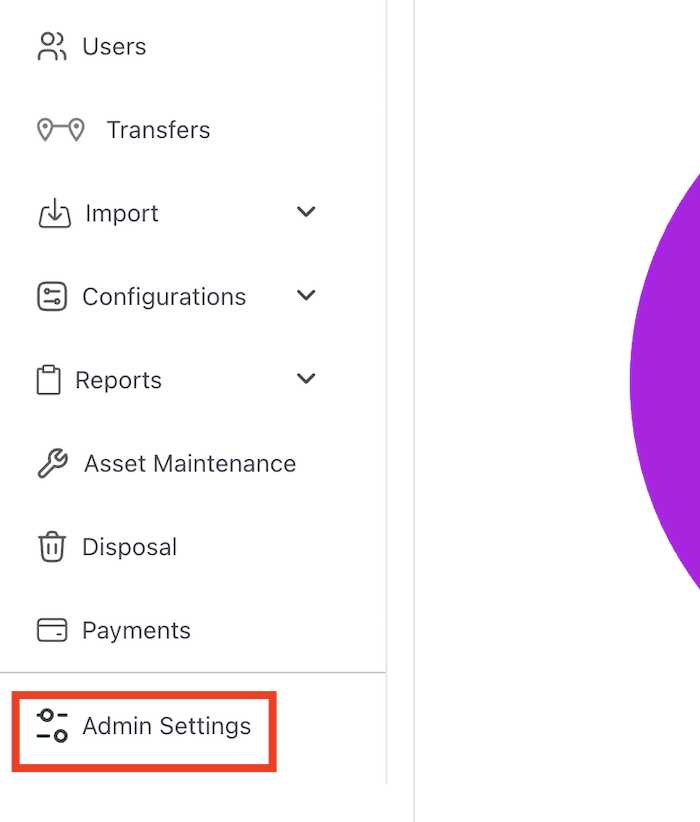
1) On the left side navigation click on “Admin Settings”.
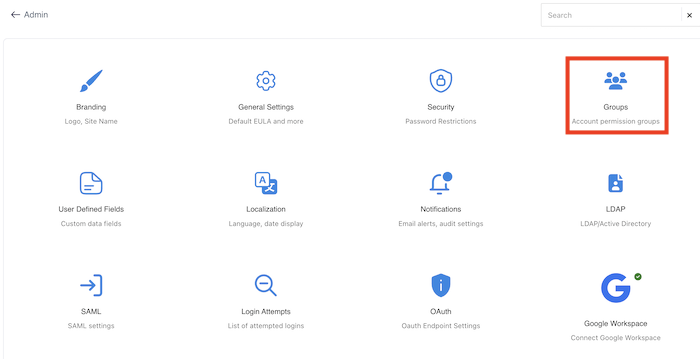
2) Click on “Groups”.
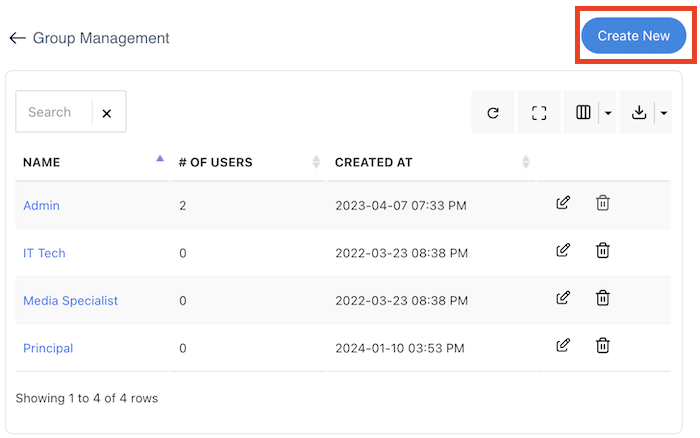
3) In the upper right corner click on “Create New”.
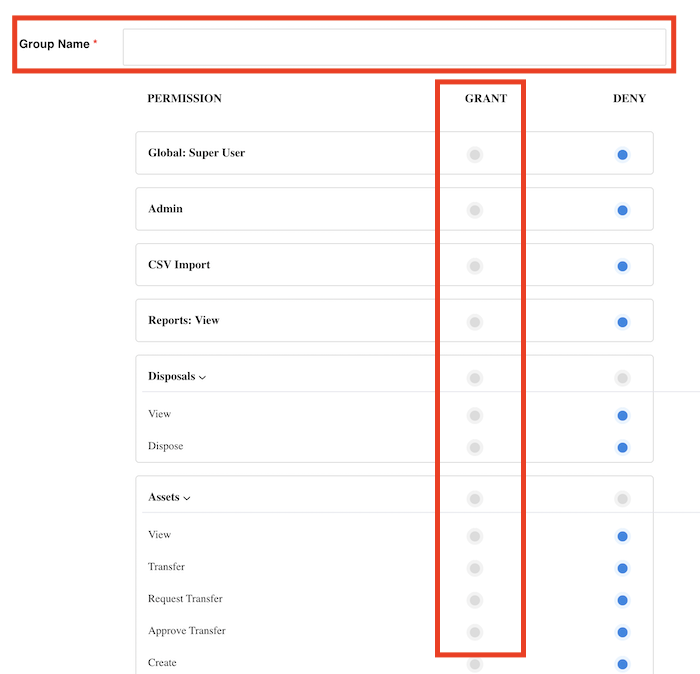
4) Give the new group a name and then select all the permissions that you would like to enable for this user group. Then scroll down and click “Save”.