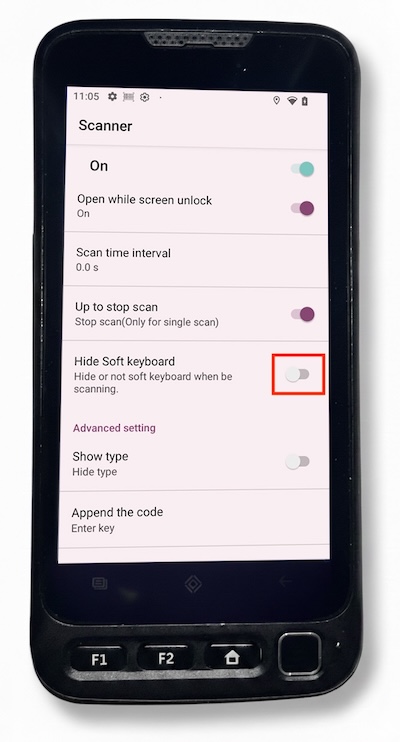
This troubleshooting is for the case if your on-screen keyboard is not displaying when you have selected and on-screen data field that should be allowing you to type text.
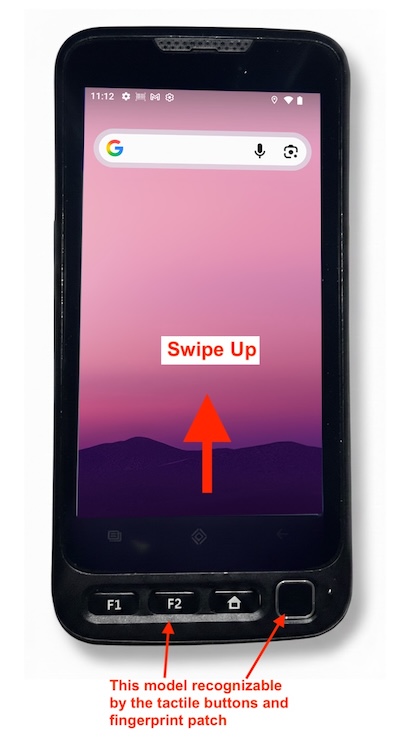
These instructions are for the Divot Assets V710 model of scanner. If you are unsure if this is the model you have the defining charachteristics are having tactile buttons and a fingerprint patch at the bottom edge of the scanner.
1) Swipe up from the bottom edge of your scanner to display the App Drawer.
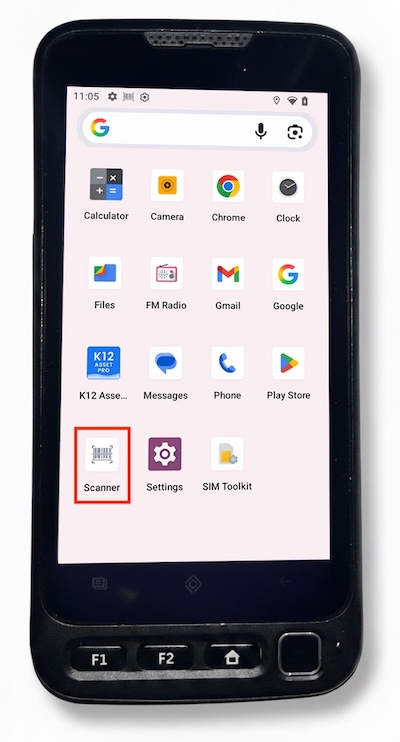
2) Select the “Scanner” app.
3) Ensure that the Hide Soft Keyboard setting is toggled to Off.